Verifying your BMI for weight loss treatment
When requesting weight loss treatment, we ask all new patients to provide a few photos so our doctors can confirm their BMI and ensure treatment is safe and suitable.
We know that taking photos can feel uncomfortable, which is why we want to explain exactly why we need these and how we ensure your privacy and security throughout the process. We do all this to make sure you feel confident and comfortable in starting your weight loss journey with Superdrug Online Doctor.
What's on this page?
When and how to verify your BMI
Whether you’re starting weight loss treatment for the first time or changing from a different provider, you’ll need to verify your BMI before our doctors can approve treatment. You can do this immediately or wait for our doctors to review your consultation and request photos.
We recommend submitting your photos straight away because the sooner our doctors can review your photos, the sooner they can prescribe treatment, and you can get started.
We’ll provide a link to verify your BMI after completing your consultation.
Why our doctors need to confirm your BMI
“Your health is our priority. Confirming your BMI allows us to be sure you’re getting the right treatment that's safe and appropriate for you. We understand this may feel uncomfortable, but it’s vital for your wellbeing and safety. What matters most to us is your health, and we’ll always take every step necessary to put it first.”
Dr Nicholas Antonakapoulos, Chief Medical Officer at Superdrug Online Doctor

What photos will I need to provide?
You’ll be asked to provide 3 photos, and we’ll give you detailed instructions on exactly what we need to see and how to take them. You’ll be able to retake any photos as needed, so you don’t need to worry about getting it right the first time.
We will only store your final submitted photos, and all retakes or discarded photos will be permanently deleted automatically.
Can someone help me take my photos?
Yes! If you’re more comfortable with someone taking photos of you or need a bit of help, this is fine. We’ll give the person helping you full instructions during the process on how to take your photos.
How to prepare for your photos
During the process, we’ll show you exactly how to prepare for your photos. This will include everything from wearing the right clothing to setting up your phone or asking someone to help.
What to expect
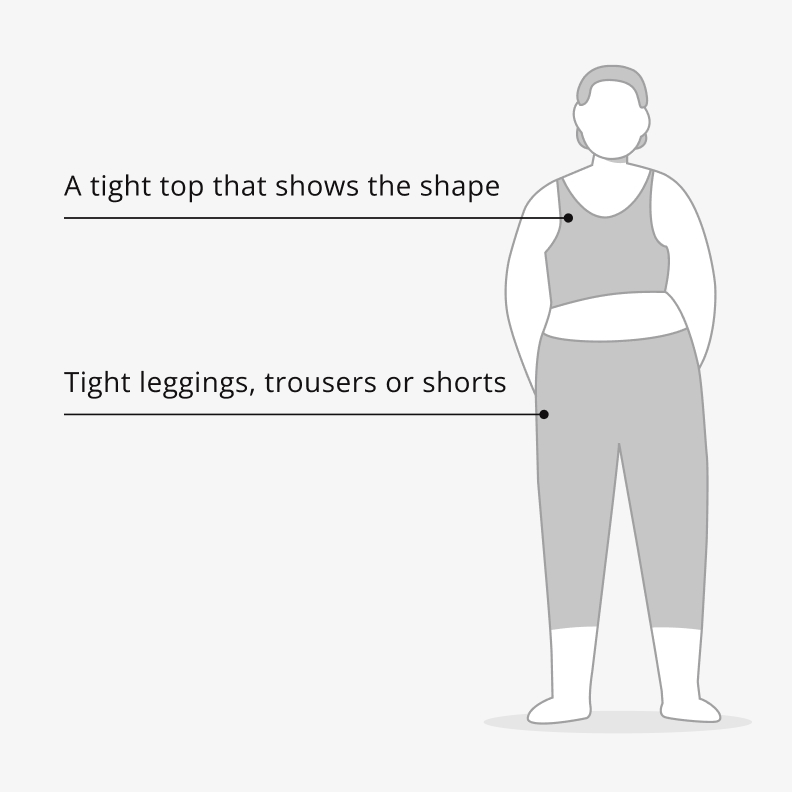
What to wear
- Tight leggings, trousers or shorts
- A tight top that shows the shape of your upper body
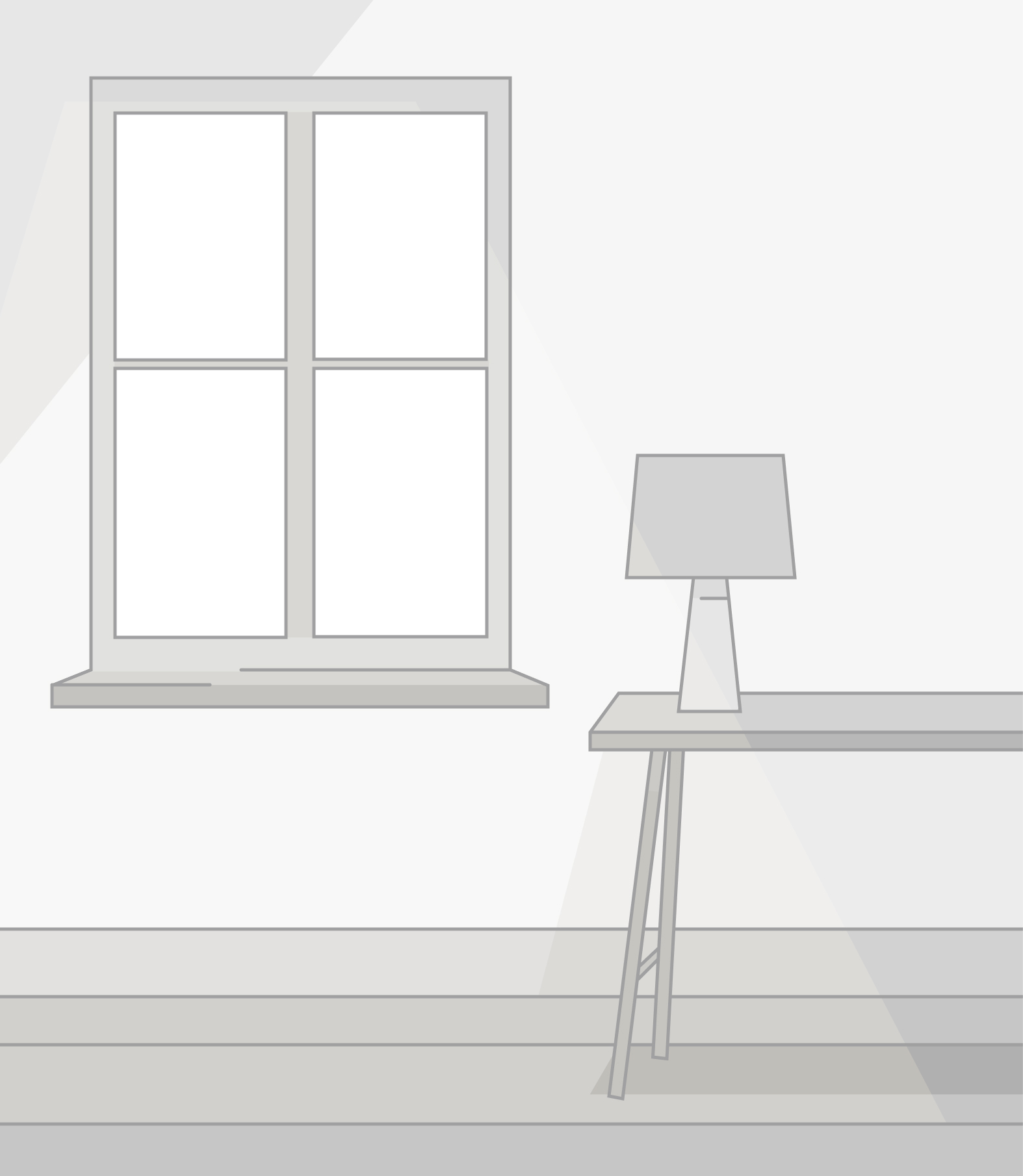
Where to take your photos
- Choose a place with good lighting
- Make sure there’s plenty of space to raise your arms and take a few steps forward, back or to the side
- Move anything that might block the view of the camera
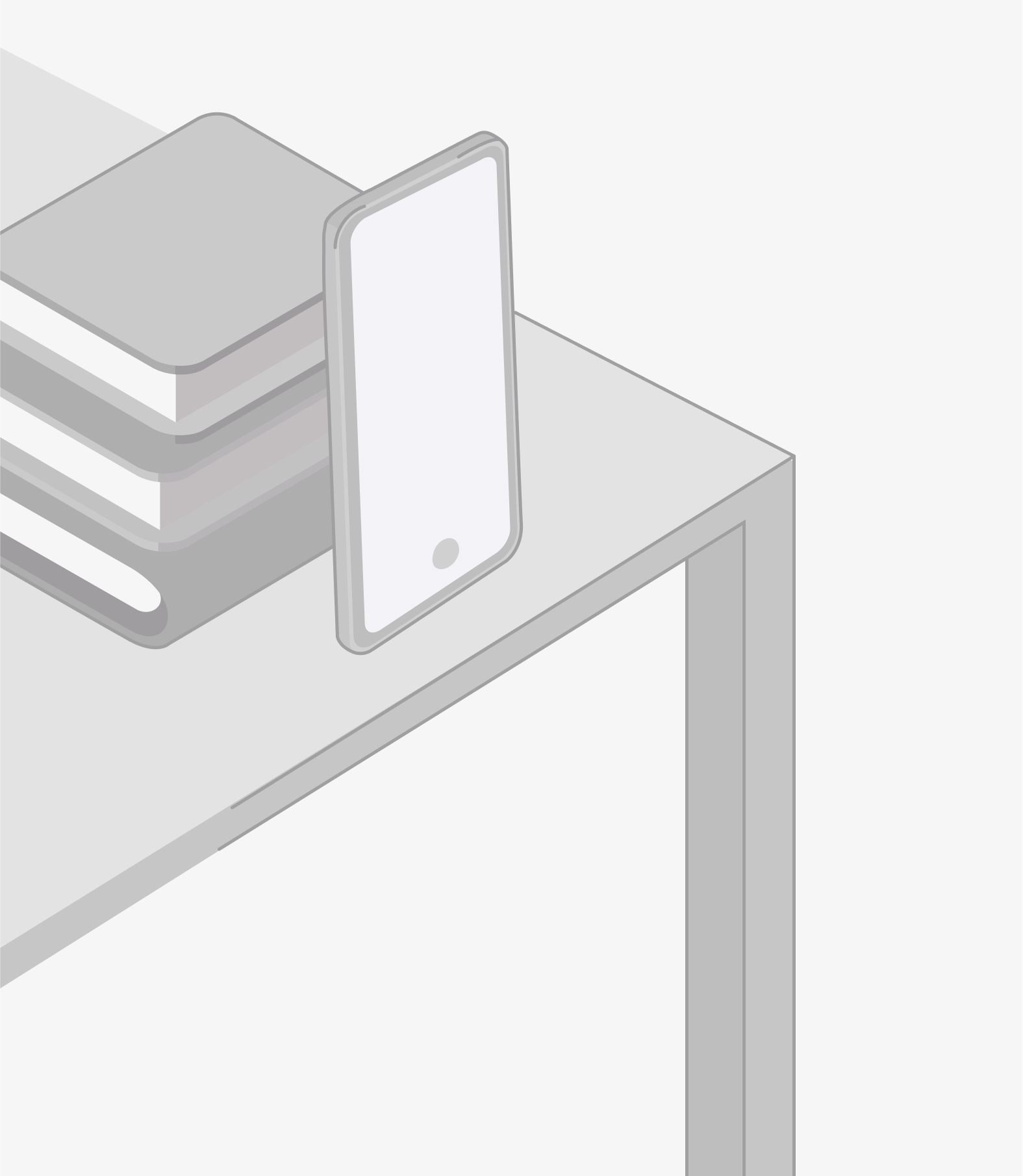
Setting up your phone (or getting help!)
- Place your phone on a flat surface that’s about waist height (a desk/table)
- Lean your phone against something sturdy, like a pile of books
- If someone is helping you, make sure they take the photos from around waist height by sitting, kneeling, or crouching
How our guided camera tool works
Our guided camera tool enables you to take and submit all your photos quickly with clear step-by-step instructions.
Here’s how it works:
- Use your phone, no app download needed
- Follow the on-screen instructions to take all 3 required photos
- Review your photos (retake any if needed)
- Submit your photos securely for our doctors to review
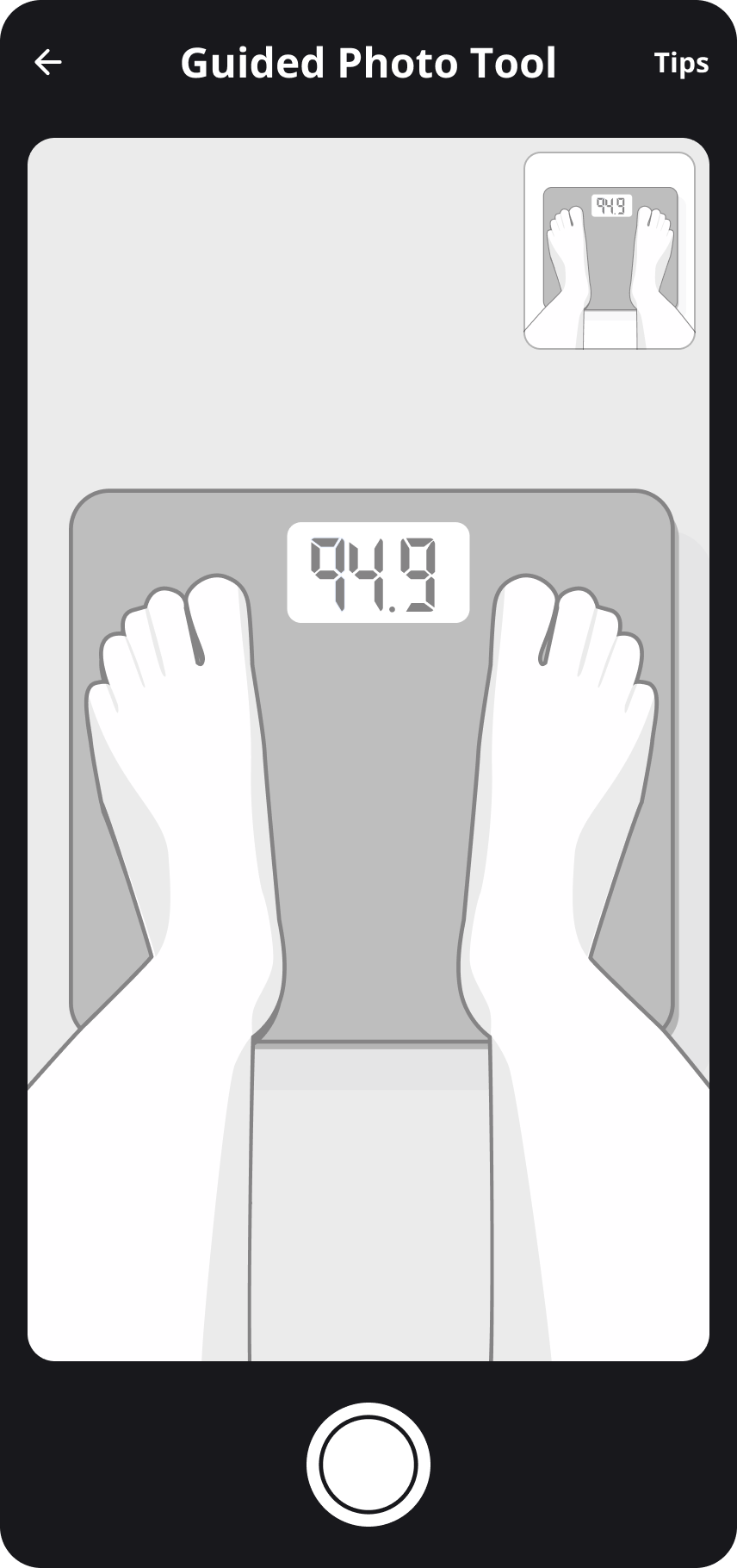
Photo 1 - feet on scales
- Stand with your feet on a set of scales. Make sure both your feet and weight reading are visible on your phone screen
- Check your weight reading is clearly visible, and look out for any issues with blurriness or lighting. Retake if necessary
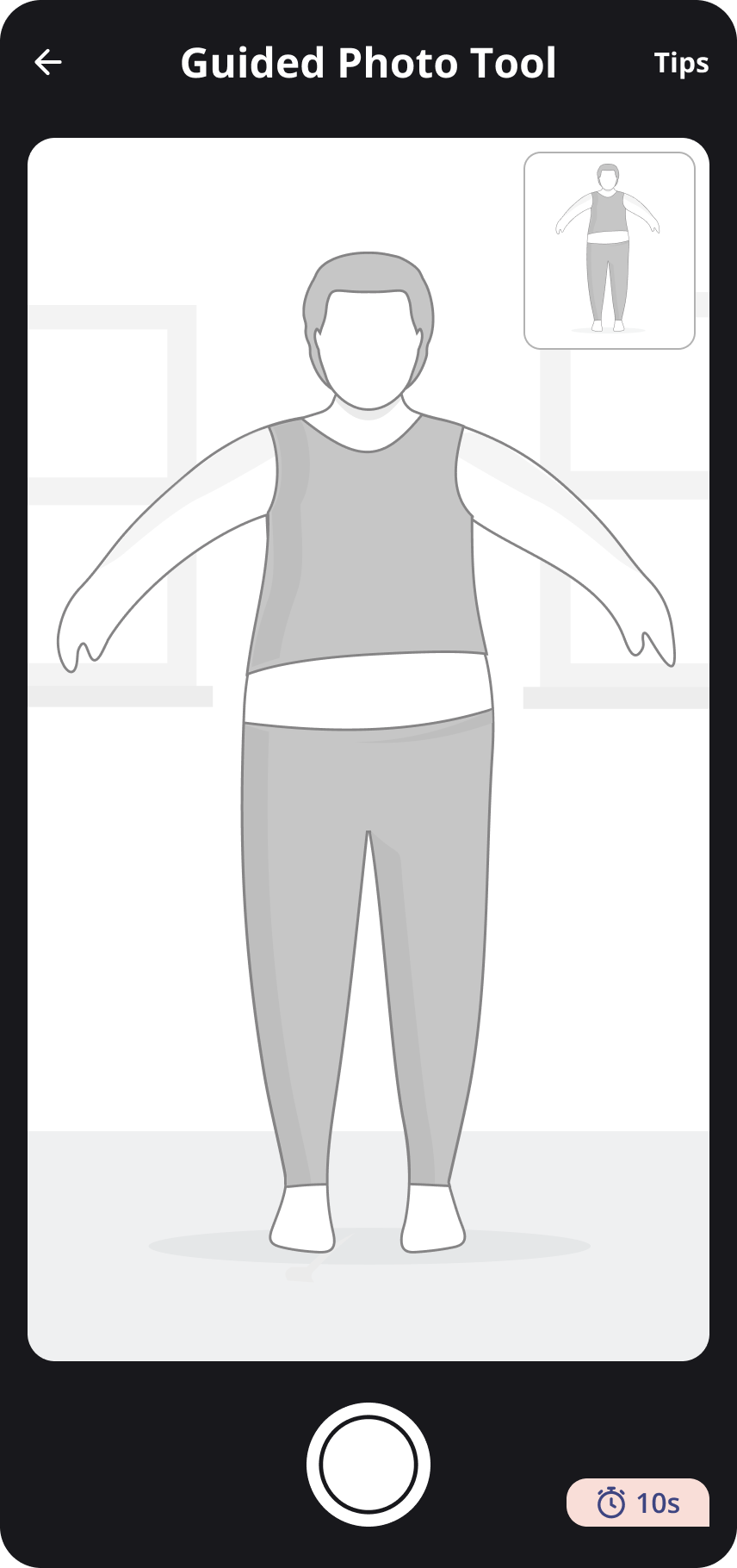
Photo 2 - full body photo from the front
- Place your phone on a flat, waist-height surface and prop it up to face you. Or, ask someone else to take it for you
- Make sure your entire body is visible and in frame
- Stand with your arms and legs slightly apart, like you’re being scanned at airport security
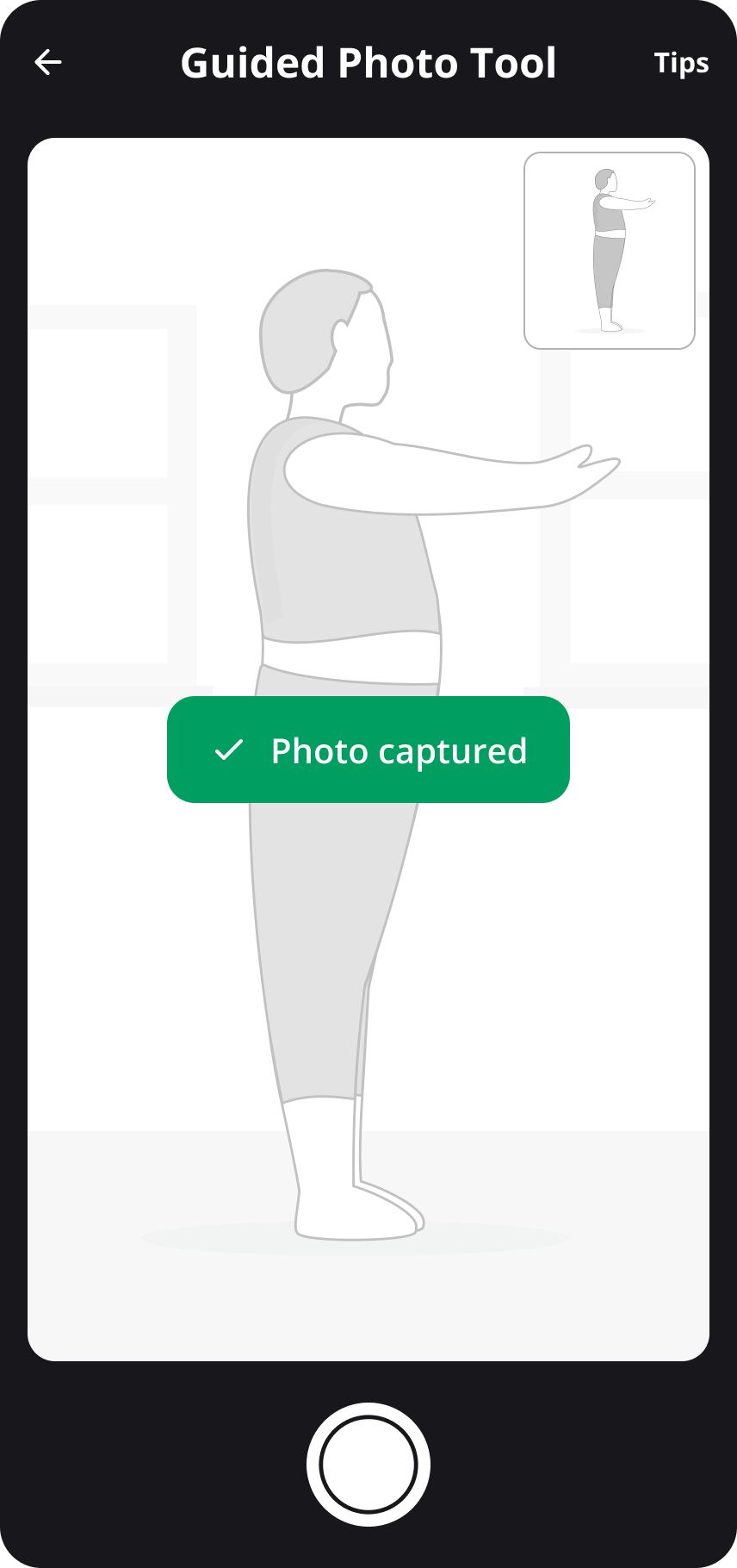
Photo 3 - full body photo from the side
- Place your phone on a flat, waist-height surface and prop it up to face you. Or, ask someone else to take it for you
- Make sure your entire body is visible and in frame
- Stand sideways and hold your arms out directly in front of you
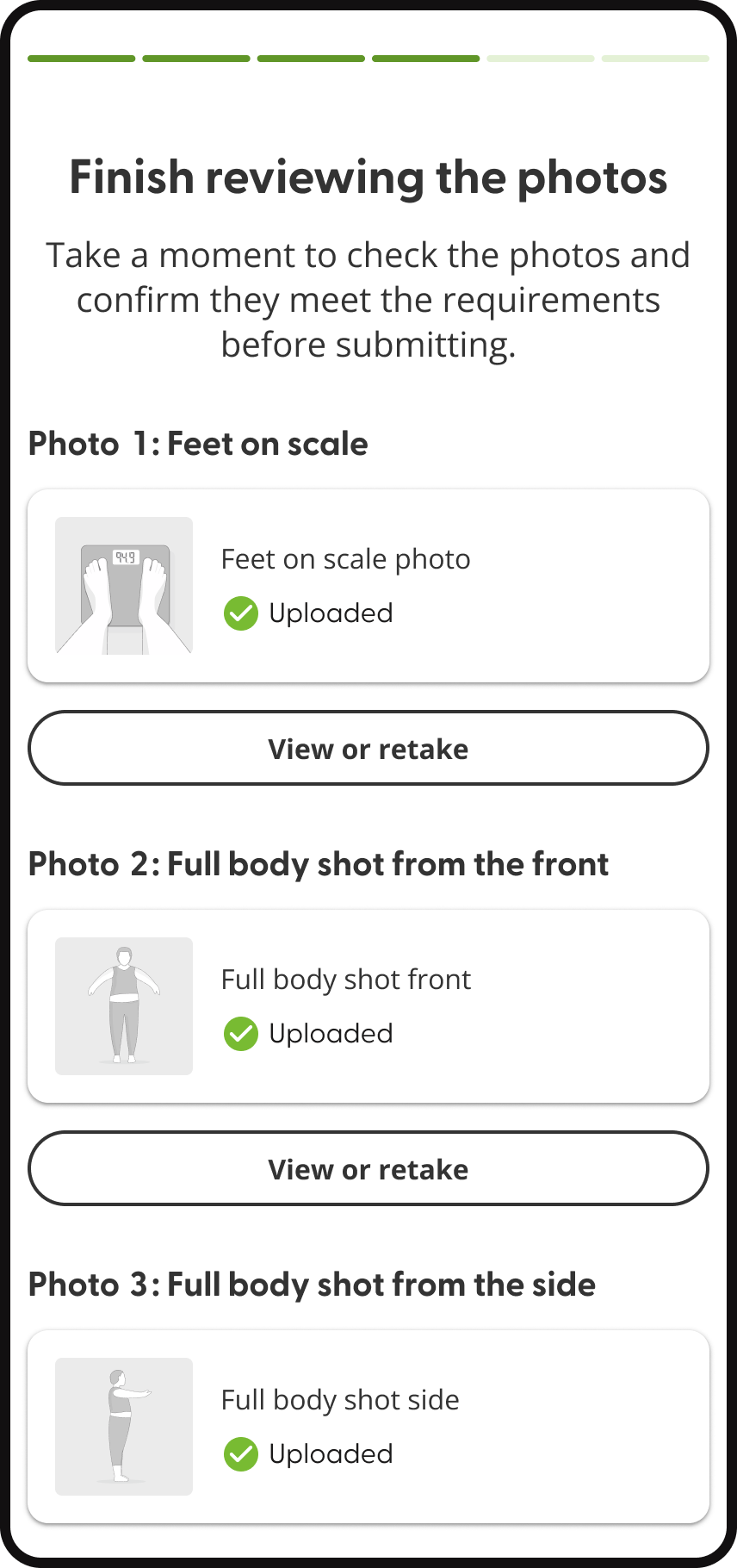
Reviewing and submitting
Once you’ve taken your photos, you can review them all, check the guidelines and retake any if necessary. After hitting submit, they’ll be ready for our doctors to review your request and approve your treatment.
How does Superdrug Online Doctor store your photos?
Your photos are securely stored in our medical system. This is in line with strict confidentiality standards and UK data protection laws.
Our systems are ISO 27001 certified, an internationally recognised standard for information security and risk management. This ensures your personal data is handled with care and protection.
We keep your photos secure:
- We only store your final photos, any drafts or retakes are deleted permanently
- If you use the guided live photo capture tool, your photos are transmitted securely without being saved on your device
- All submitted photos are encrypted and securely stored within our protected medical systems
- Your photos are kept in line with legal and regulatory requirements for healthcare providers
We are committed to protecting your personal data and keeping your information private. You can find more information about how we handle and protect your data in our Privacy Policy and Terms and Conditions.
Frequently Asked Questions
How is our camera tool different from uploading photos?
With our guided camera tool, you can take and submit your photos instantly without saving any photos to your camera. This saves you time and keeps your photos more secure. It also means you don’t have to provide any time stamps with your photos.
Do I need to download an app?
No. You can use our camera tool entirely through your browser without downloading anything. If you have any problems using our tool in your browser, please get in touch, and we will try to resolve the issue.
What happens to the photos I take?
Only your final submitted photos are saved, and any other photos are deleted. Photos won’t be stored on your phone and are instead stored securely on our servers. These photos are only stored and used for BMI verification and will not be shared or used for any other purpose.
What if I don’t have a set of scales?
We recommend getting a set of scales to help track your progress throughout your weight loss journey.
If you don’t have any at home, you could try using scales at a local pharmacy or gym, or borrow a set from a friend.
When it’s time to take your photos, you’ll need to take all three in one go, at the same location. If you’re using scales away from home, make sure you can also take your full-body photos there.
If you’d prefer to have a face-to-face consultation, you can request weight loss treatment with Superdrug Health Clinics.